


WiFi Smoke Alarm Home Security Camera
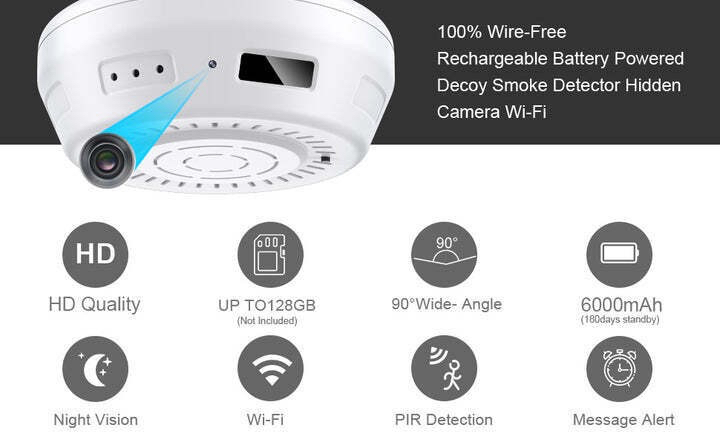
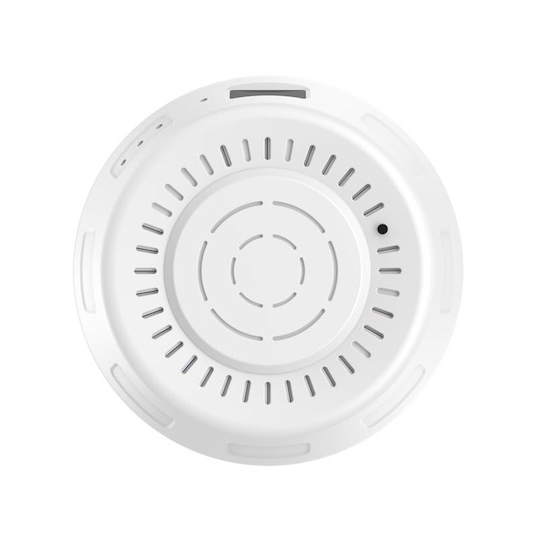
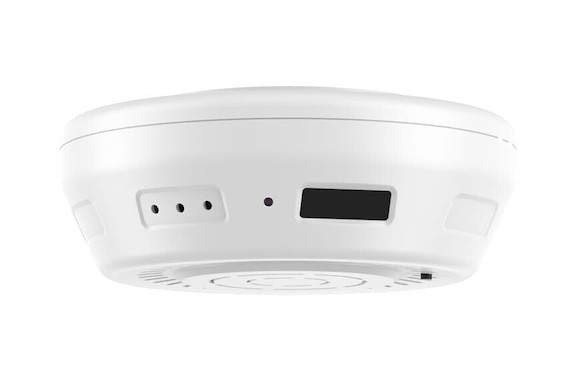
Discreet High-End Monitoring Enhance your home or office security with our WiFi Smoke Detector Security Camera. Designed for ceiling mounting, this unit features a 90° wide-angle side-view lens with a 15° downward tilt, providing comprehensive room coverage without the need for complex wiring or external power cables.
From $285.00 Regular Price $325.00
To $310.00 Regular Price $375.00
In stock
WiFi Smoke Detector Style Security Camera
Indoor Ceiling-Mounted Smart Camera
Enhance your home security with our WiFi Smoke Detector Style Security Camera, featuring an industry-leading 6–8 month battery standby time. Designed for high-level room monitoring, the 90° wide-angle lens is positioned at a 15° downward tilt, providing a comprehensive view of any room without the need for complex wiring or external power sources. Also supports Amazon Echo, Google Home and Alexa.
Key Features:
-
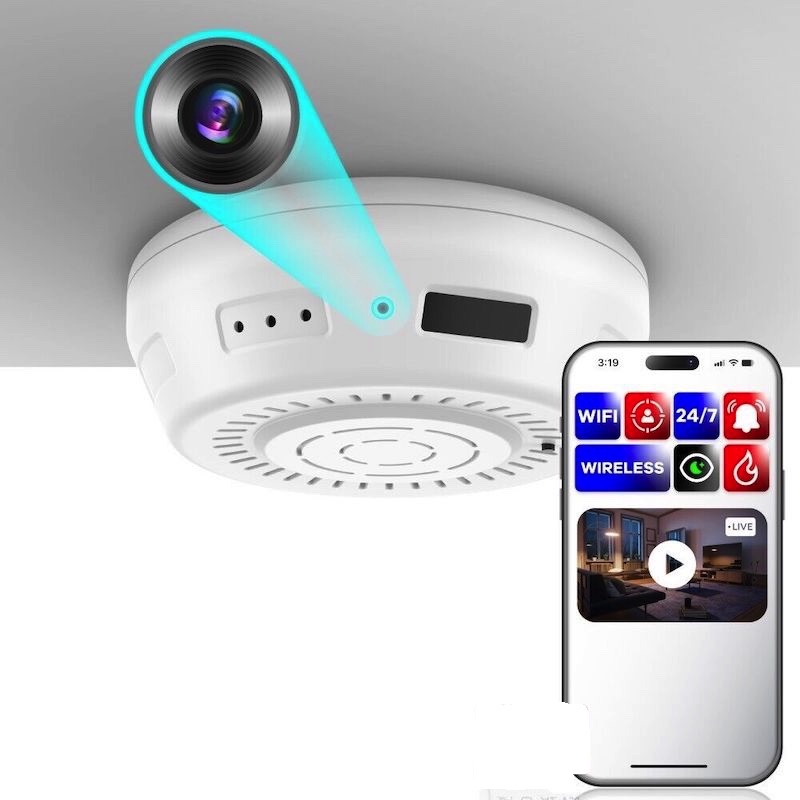
Smart Connectivity: Uses the free Tuya Smart App (iOS/Android) for high-definition live video and audio streaming from anywhere.
-
Rapid Motion Detection: Activates within 1 second of sensing motion (up to 8m range), capturing HD video for 10–60 seconds.
-
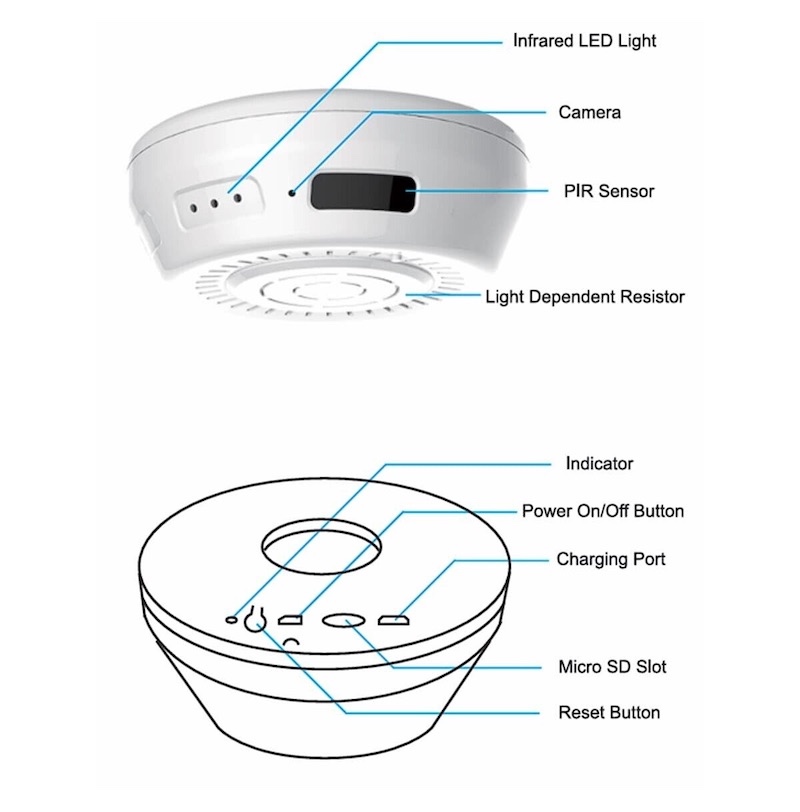
Flexible Storage: Supports microSD cards up to 128GB (optional) or secure Cloud backup.
-
Ready to Use: Every unit is fully tested for connectivity and performance before dispatch.
Note: This device is intended for lawful home monitoring and security purposes. Please ensure your use of this product complies with local privacy laws and regulations.
-
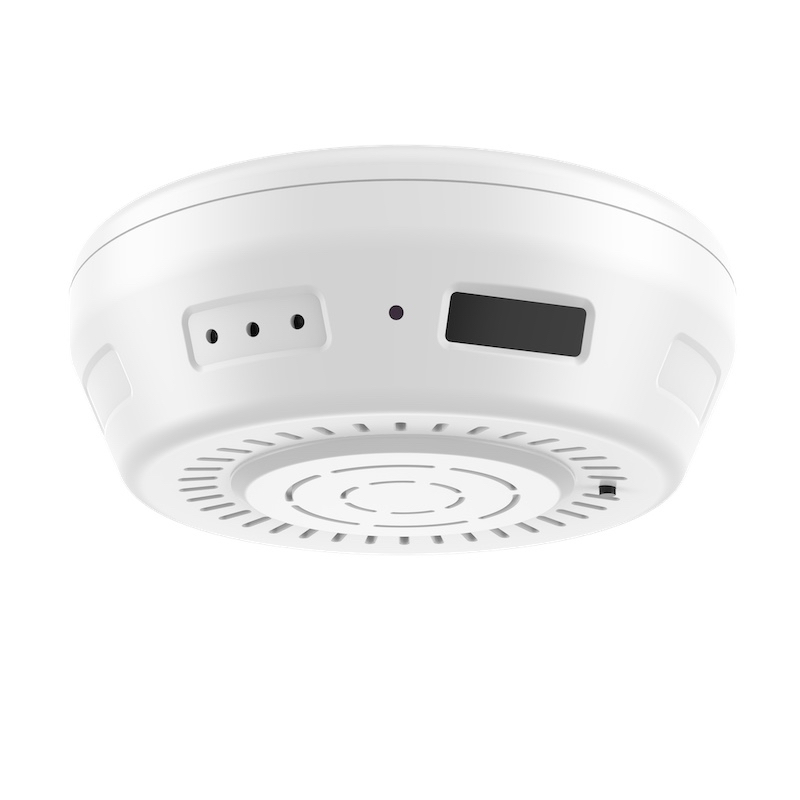
Long-Life Battery: Features an ultra-low power consumption chipset with 6-8 months of standby battery life.
-
Wide-Angle Coverage: A 90° field of view with a 15° downward tilt ensures comprehensive room monitoring from a ceiling mount.
-
Instant Alerts: Receive real-time mobile notifications via the Tuya App as soon as motion is detected within 8 meters.
-
High-Definition Recording: Captures crisp HD video and audio, saving directly to a microSD card (up to 128GB) or encrypted cloud storage.
-
Wire-Free Installation: Battery-operated design allows for quick setup on any flat ceiling without professional wiring or power cables.
Technical Specifications
Specifications
App Tuya Smart Life
No Glow IR 940nm
Supports a Class 10 Micro SD memory card up to 128GB (optional)
Rechargeable battery for up to 6-8 months standby
Video:- Format: H.264 AVI - Resolution: 1920 x 1080
Frame Rate: 15FPS
Charge time 5 hours
ower: Li-ion polymer battery
Battery Type: DC 3.7V/5500 mA High-capacity lithium polymer
Voltage: DC 5V
90 degree wide angle
Motion boot approx. 1 second
Recording selection 10-60 seconds per motion detection
WiFi Module EEE802.11b/g/n
Date and Time Stamp – Y/M/D H/M/S
Power Consumption – 200uA in standby, 190mA in recording (WiFi)
Compatible with Windows 2000 / XP / me / 2003 / Vista, Mac OS 10.4
Media Playing Software: WMP or VLC and most popular players
Recording Time: based on 10 motion files per day, 400 days @ 1920 x 1080P - 8GB
Supports Amazon Echo & Google Home
1 Year Product Hardware Warranty
Why Choose This Model?
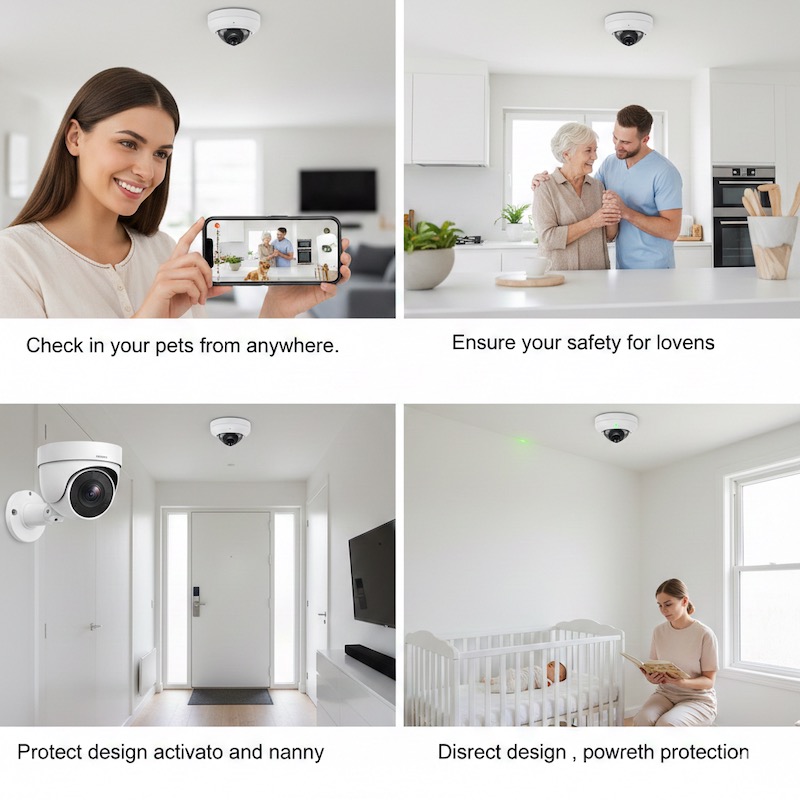
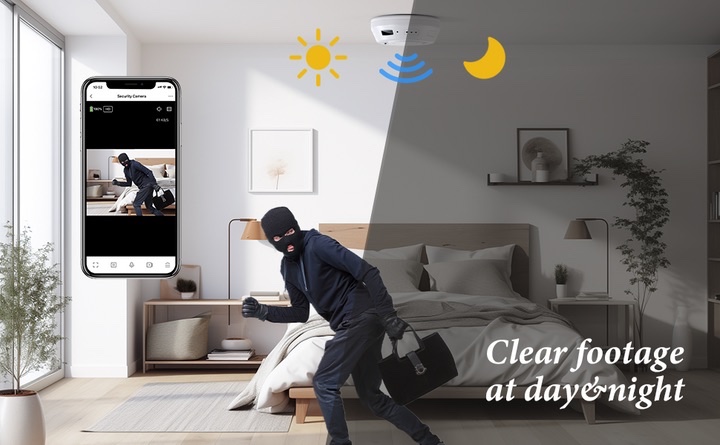
Unlike standard security cameras that require constant wiring, this horizontal-view smoke alarm style camera offers flexible placement without the clutter of cables. Whether you are monitoring for intruders or checking in on your pets via the Tuya app, this unit provides reliable, high-definition evidence when you need it most.
Note: This product is a dedicated surveillance device designed for security monitoring. It does not function as a smoke detector.
What’s the difference between a DVR & WiFi Smoke Detector security Camera?
-
DVR (Digital Video Recorder): Typically records footage locally to a physical hard drive or an SD card inserted directly into the device. It operates as a standalone system.
-
WiFi: Streams footage over an internet connection. While many have local SD slots, their primary function is to transmit data to a cloud server or a remote app.
Connectivity & Access
-
DVR: Generally requires a physical connection (or a direct local wireless link) to a monitor or computer to view footage. Remote viewing is often limited or requires complex network configuration.
-
WiFi: Connects directly to your home or office router. This allows for real-time remote monitoring from a smartphone, tablet, or PC from anywhere in the world.
How motion detection works?
The motion detection feature in this device is designed to optimize both storage and battery life while keeping the premises secure.
-
Digital Image Comparison: The camera’s software constantly monitors the pixels in its field of view. When a specific percentage of those pixels change (indicating movement), the system triggers an alert.
-
Instant Notifications: Once motion is identified, the device sends a real-time push notification to your synced smartphone or tablet via the dedicated app.
-
Automated Recording: To save memory space, the camera only writes footage to the SD card when movement is detected, ensuring you only review pertinent security events.
-
Adjustable Sensitivity: Users can fine-tune the sensitivity levels within the Magento-integrated app to prevent "false positives" caused by pets or shifting shadows.
Remote Access (The "Anywhere" Connection)
Think of this like a digital bridge. Usually, your camera "talks" to your home WiFi. Remote access allows you to cross that bridge from your phone, even if you are at work or on vacation.
-
Example: You are at the grocery store and want to check if the dog is behaving. You open an app on your phone, and because the camera is connected to the internet, the video travels from your house to your phone.
Authentication (The "Key")
To prevent just anyone from looking through your camera, manufacturers use Authentication. This is a fancy word for a "digital lock and key."
-
Example: When you first set up the camera, you create a username and a password. Unless a stranger knows that specific "key," they cannot get into the feed.
Cloud Servers (The Optional "Middleman")
Most modern WiFi cameras don't connect directly to your phone. Instead, they send the video to a Cloud Server (a big computer owned by the camera company), which then sends it to you.
-
Example: It’s like sending a letter through a post office. The camera "mails" the video to the company’s server, and the server "delivers" it to your app when you log in.
Shared Access (The "Guest List")
Many systems allow you to invite other people to view the camera. This is controlled remote access.
-
Example: You want your spouse to see the camera feed too. You "share" access by entering their email address in the app. They can now see the video, but they don't own the account.
| By Order | Yes |
|---|