


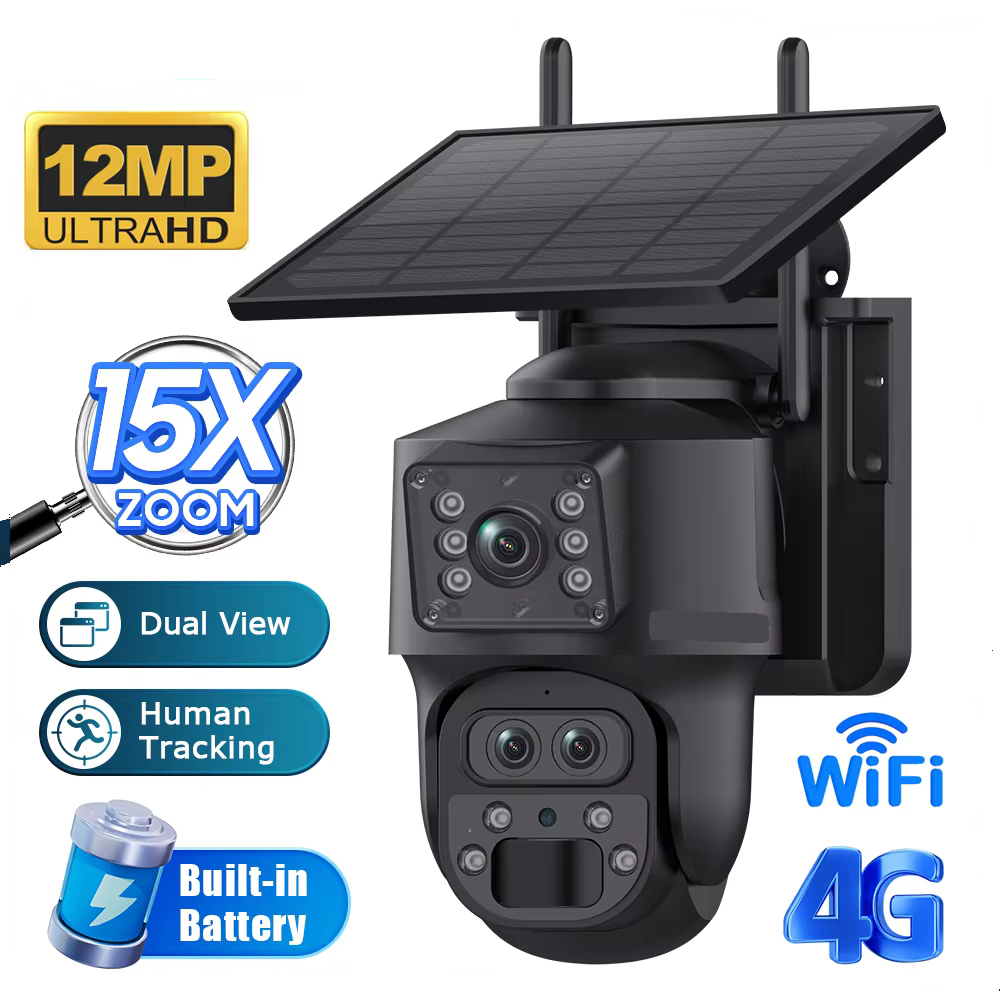
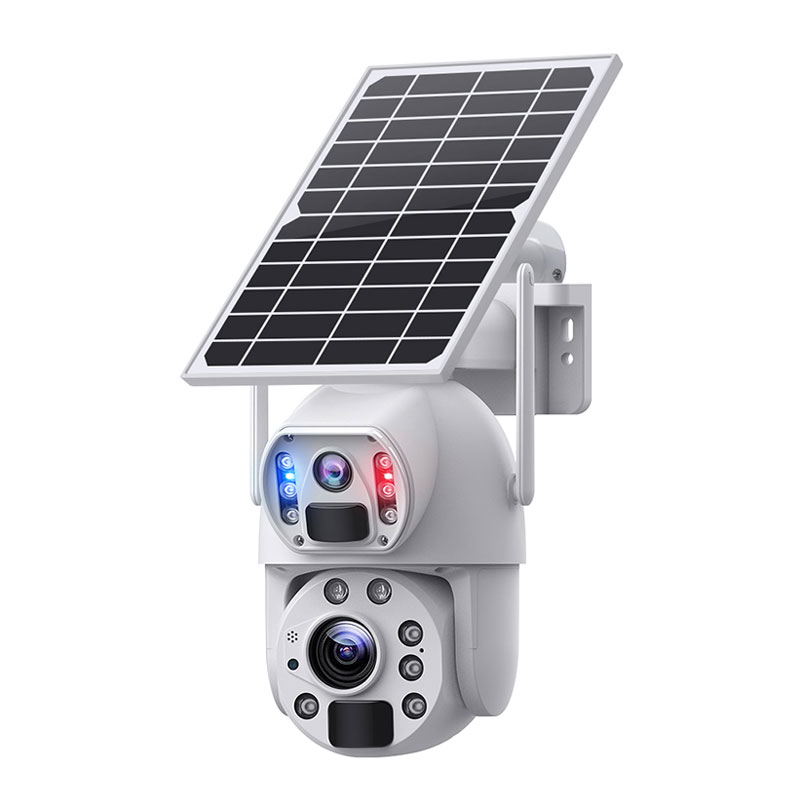
4G Solar Smart Dual Lens Mini PTZ Camera
4G Solar Smart Mini PTZ Security Camera with 15 x Zoom & Motion Tracking not only represents great value and Ultra HD resolution but is superior to most. Easy DIY and a Free Ubox iOS or Android App. Buy a Prepaid Telstra, Vodafone or Optus SIM and within minutes you’re online. Need assistance, we can help.
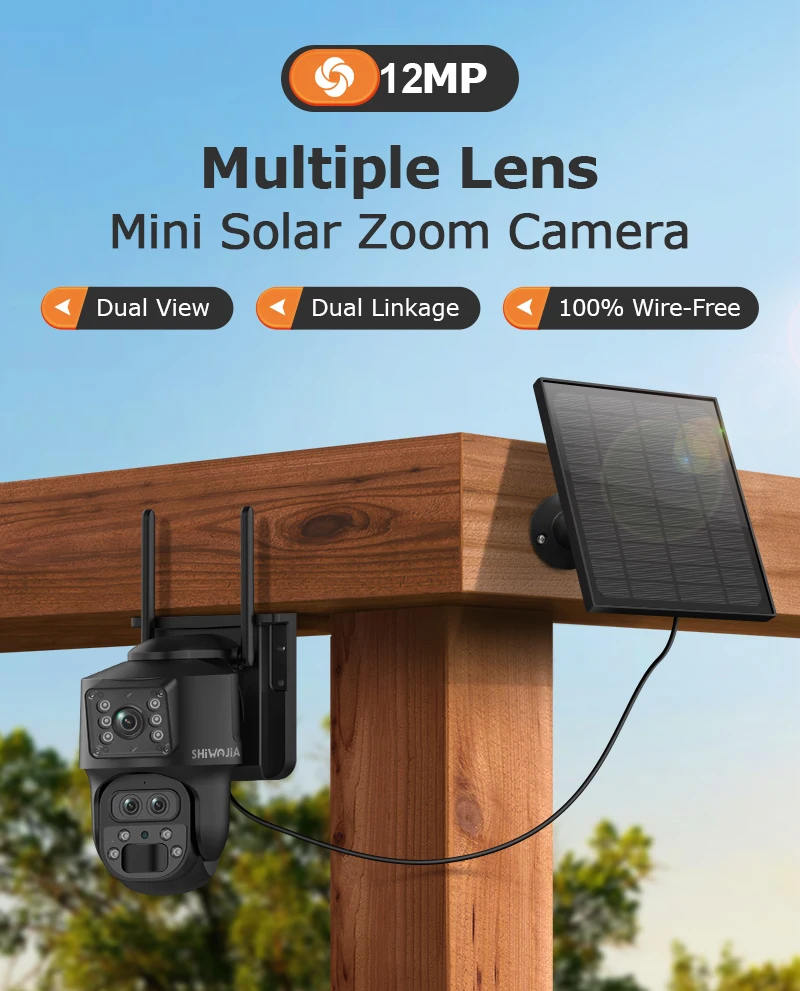
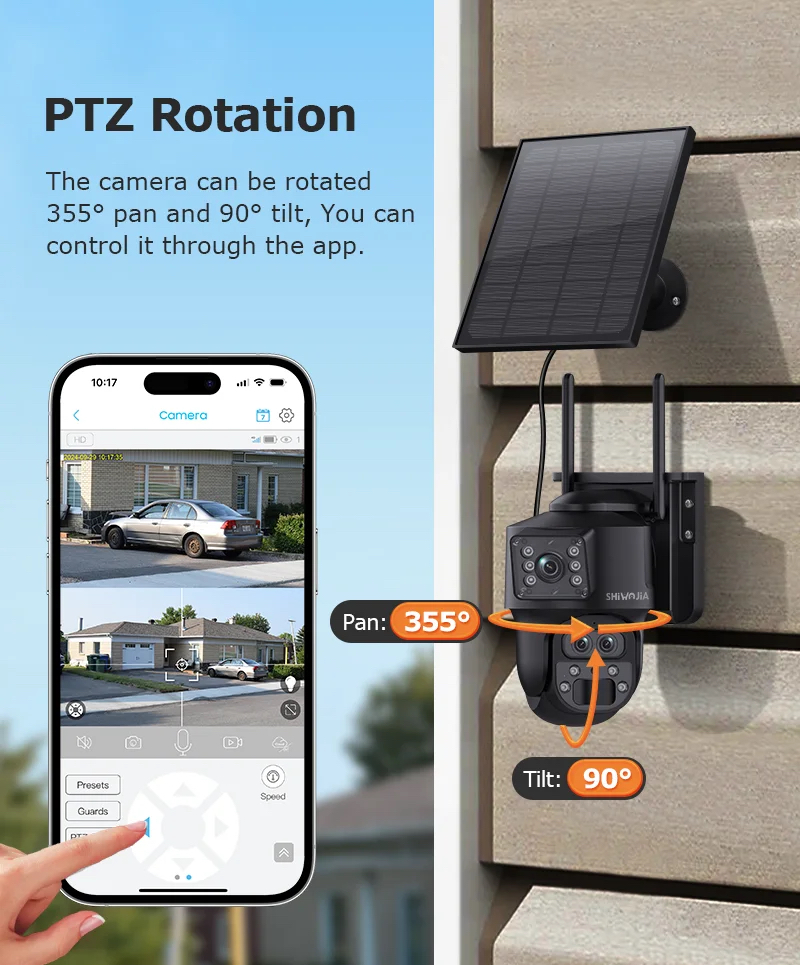
Dual camera lenses, one wide angle and the other Zoom. Can function for months even without the solar panel. IR or LED Colour night vision, Motion or Constant Recording, SD card or optional Cloud recording, Live remote access, Motion push alerts, No server access fees, 12MP quality, Human Detection and Motion Tracking, 360 degree Rotation & 120 degree Tilt, Motion warning Speaker, Scheduled Recording, two way voice communication and that’s just the start but yes, there is more.
4G SOLAR SMART DUAL LENS MINI PTZ CAMERA
Model Number 4G-SMART-MINI-PTZ
Our new 4G Wireless Solar Security PTZ Security Camera with motion tracking is just brilliant. Best of all, you don't need power, Internet or WiFi but you will have live and amazing 4K Ultra HD CCTV. Even when you're on the move, it doesn't make any difference. Tap on your phone App and provided you have a semi decent 4G mobile reception at the camera location, that's all you need. Live access the camera and replay recordings from anywhere in the world. Following so far?
Are there any fees?
Other than a standard SIM card which is your responsibility, there are no fees. Be wary of those charging unscrupulous monthly or annual service access fees because it's BS and a rip-off!! Fine for those who require professional remote back to base monitoring and prepared to pay for it but why pay for a service you don’t want or need. Share the camera App with neighbours, friends or relatives or do it yourself. It's free. If for any reason you’re concerned someone may steal or damage the camera because it’s remote or unattended, don’t forget this 4G solar security camera also supports optional Cloud or FTP where video and audio is auto uploaded to remote backup.
Cloud is an optional manufacturer service, similar to SD card recording except camera recordings are stored offsite for added protection. Users access Cloud recordings by the same means as the camera SD card however, Cloud backup incurs a small monthly or annual fee. Auto uploading video to a remote cloud does use 4G data but we don't charge any Cloud or 4G costs, that's totally customer choice.
So what makes this security camera unique and cost effective?
First of all, no professional installation is needed. Provided you can mount a mini bracket to any surface, seriously the job is practically done. Anyone with a short ladder, drill bit and screwdriver can mount a bracket.
Before mounting the camera, bench test it to understand how it works. Insert an optional micro SD card 64-128GB into the camera, available online. Order from us and Hidden Camera Surveillance will conduct a test and leaving some demo video and audio tuition on the memory card. It's all part of the service by the way.
For testing or short term use, there's no need to connect the supplied mini solar panel. The built in lithium battery has ample power for testing etc. Ensure your nano 4G SIM is active and it must be the same as any mobile phone supporting Voice and Data, NOT data or broadband only. Unsure whether the SIM is active? Try it on your phone or PC. If you can make a call and/or access the internet, the SIM is active.

Satisfied the SIM is active, insert it into the camera beside the SD memory card. Switch the camera ON and wait a minute. Near the camera lens you ought to see a “blinking” red/blue LED. When the LED becomes a solid blue, the camera has sucessfully connected to your carrier. Wise to use a carrier with the best mobile phone signal in the camera location. A weak signal can impact connection and access speed so do take this into account. Poor remote access is not a camera fault or warranty and for that reason, pre-test this security camera before mounting.
Once you see the solid blue LED, open the free UBOX App downloaded from the App store or Google play. Follow a few prompts and bingo, within minutes, the camera is live and online. Use the App to access device settings. HCS will provide our customer only with detailed screenshot setup instructions. Users may pan tilt and zoom the camera and if desired, set human motion tracking and preferred night vision modes.
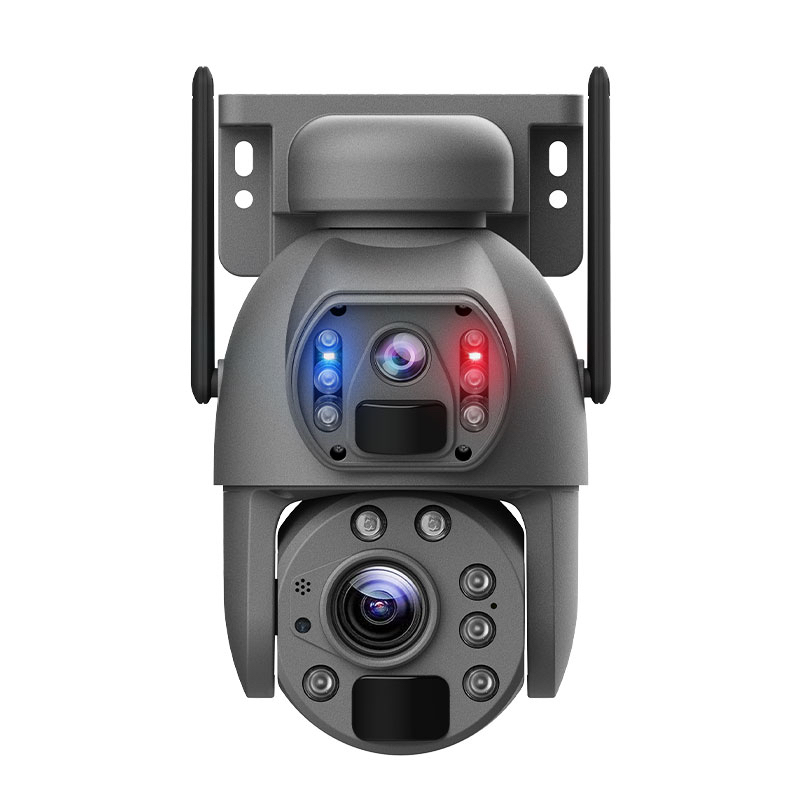
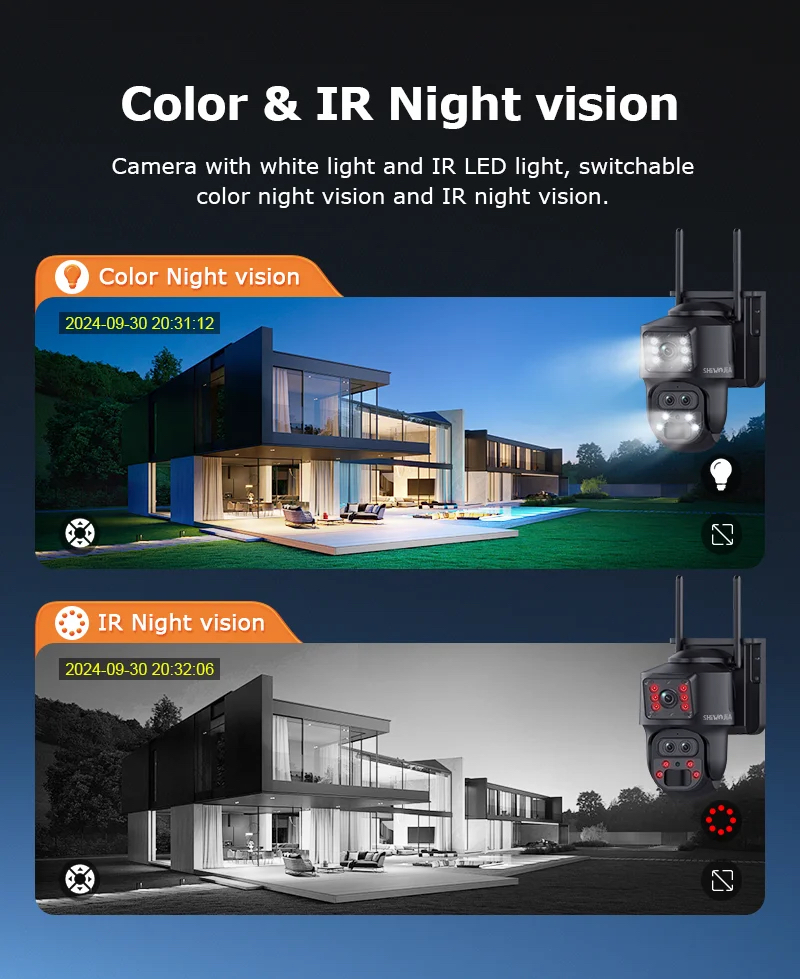
Infra-Red night vision is more discreet but night recordings are B/W. LED white light night vision on the other hand is quite the opposite and allows the camera to record in HD colour. When our 4G PTZ security camera PIR sensor detects movement by night, the camera will illuminate bright white LEDs which serves two purposes. Other than recording in HD colour by night, the bright LED light acts as a visual intruder warning. The app also supports a motion audio warning speaker. If activated, you receive a push alert and this is where it gets even more interesting.
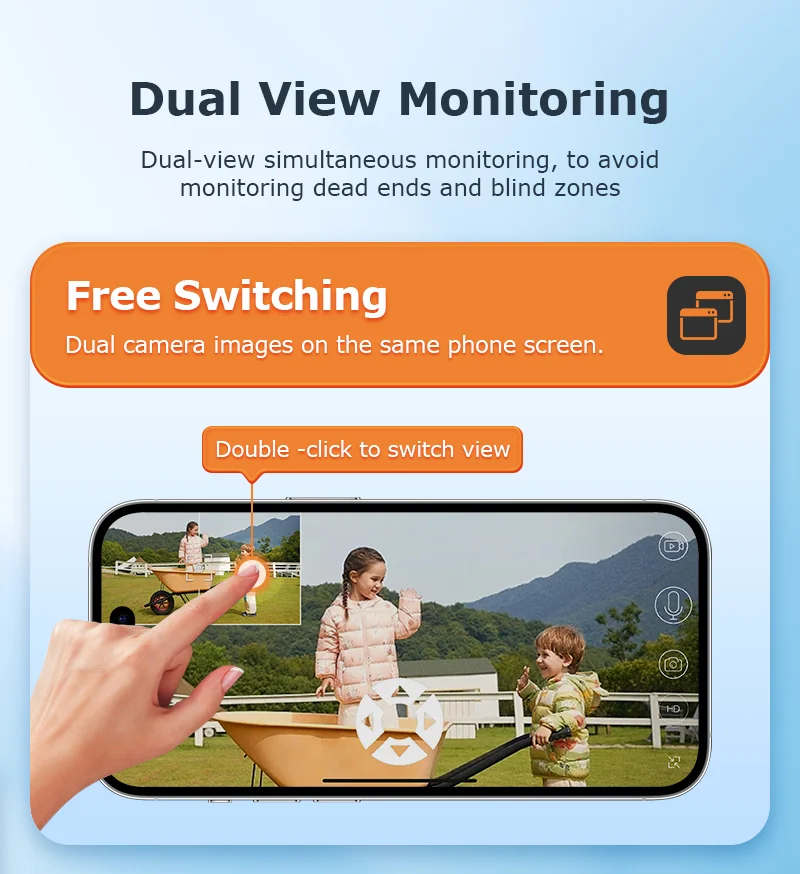
Asuming the camera is mounted on the side of a property shed perhaps overlooking unattended machinery or fuel, both a huge theft target. The camera detects motion and records to the internal SD memory card or Cloud. You and/or other authorised users will receive a motion alert. Tap on the Alert to open a live view and/or remotely replay the recording. 4K recording quality could be crucial and may be downloaded to your phone or PC just in case it needs to be sent to the police.
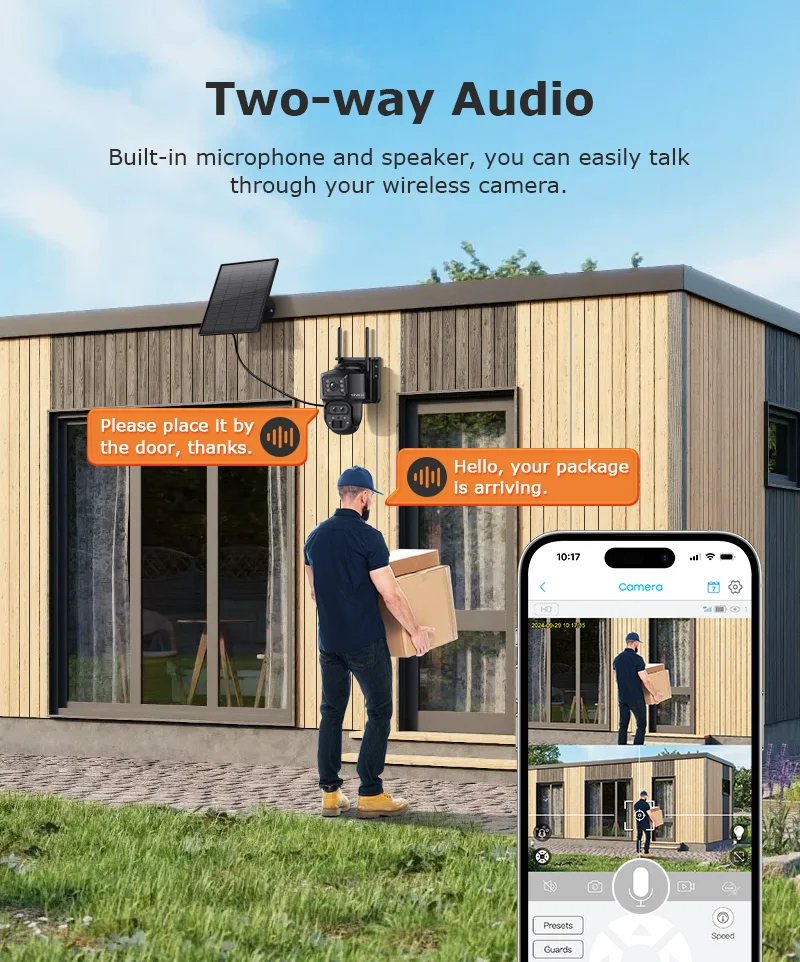
Tap on live audio to speak directly through the camera speaker thus opening a two way audio conversation. Perhaps you know the person/s onsite, or you don’t. When the camera detects motion or intrusion (up to 12m away) not only does it record but you can voice announce that Police have been called or I’m on my way. Very unlikely that any intruder will wait around to see what happens next, let alone attack the camera.
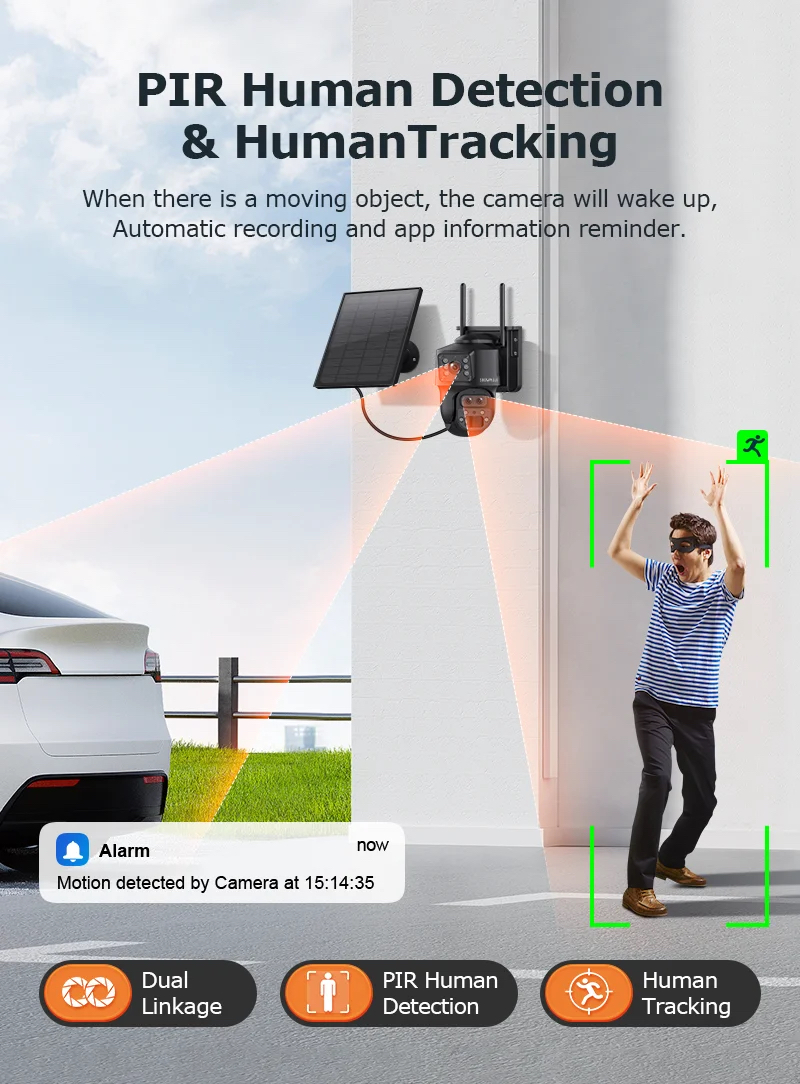
This device may be set to human motion tracking which basically means the zoom lens will auto follow that person and record it all.
If on the other hand you have WiFi available at the camera location, this same camera is also available as an optional WiFi model with no cost difference. Call us for more information. WiFi is beneficial in the sense that no SIM card is required but allows for the same functions. Both models are available in a charcoal or white colour casing.
Ideal for Homes, Properties, Yards, Wineries, sheds, unattended machinery, Fuel Storage, Containers, small building sites, just to name a few.
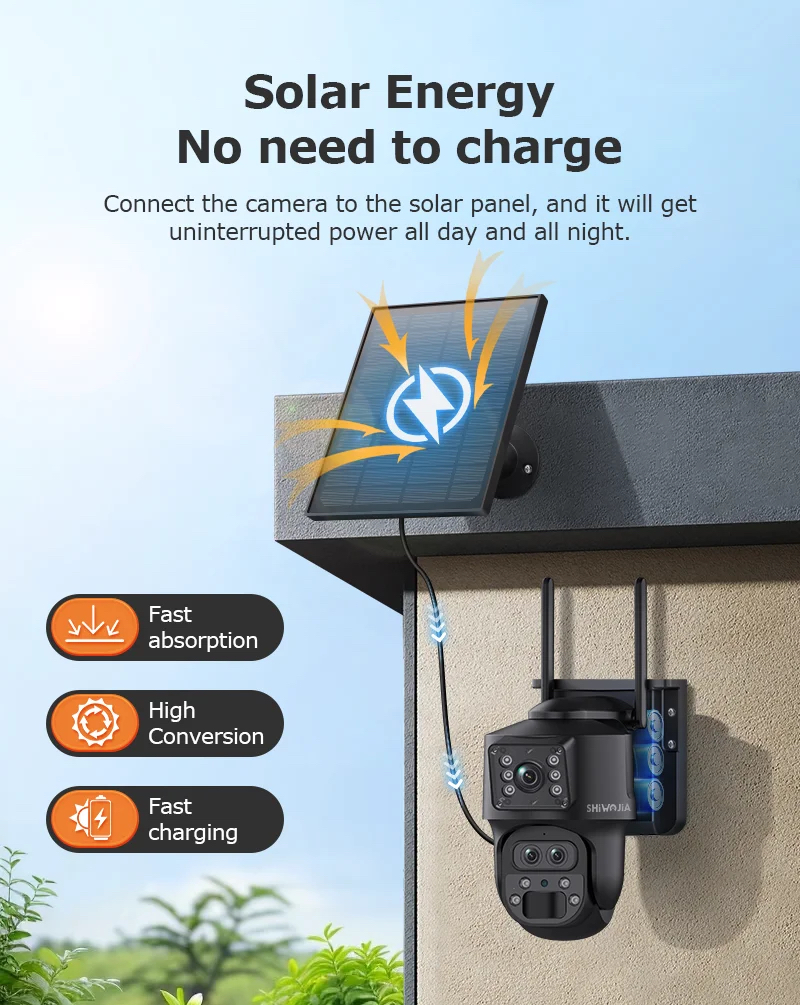
This 4G PTZ Solar Security Camera can function for weeks or months even without sun or the solar panel. With the solar panel attached, don’t worry, the lithium battery won’t go flat even in the worst climate but even if it did, the rechargeable internal battery is easily recharged by most any 5V USB phone power supply. In the unlikely event you do need to recharge, we provide our customers with a free 5V USB charger anyway. It’s all covered including our toll free telephone backup and support with fast overnight registered postage anywhere.
4G Mobile Bands
LTE-FDD:B1/B3/B6/B8;
LTE-TDD:B34/B38/B39/B40/B41
LTE-FDD:B1/B3/B5/B7/B8/B20
GSM/GPRS/EDGE 900/1800MHz
LTE-FDD:B1/B2/B3/B4/B5/B7/B8/
LTE-TDDB34/B38/B39/B40/B41
LTE-FDD :B1/B2/B3/B4/B5/B7/B8/B12/B13/
Our 4G dual lens Solar Security Camera is also available in white although by order.
Call or email our office if you wish to order with the white external casing.
Zoom Lens
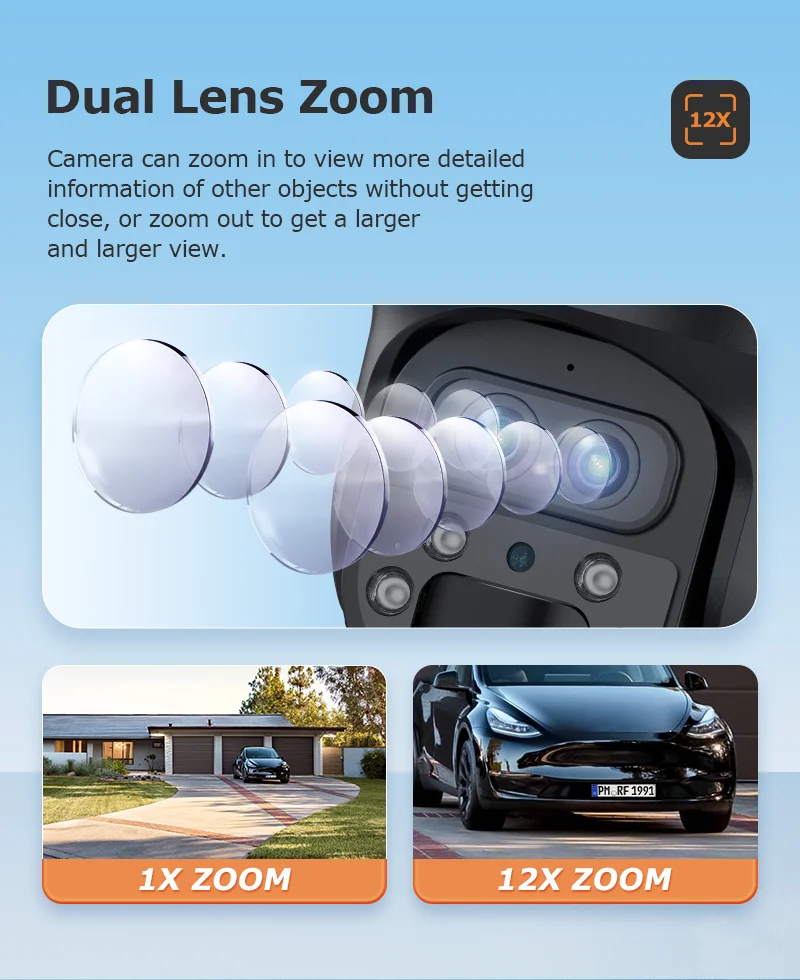
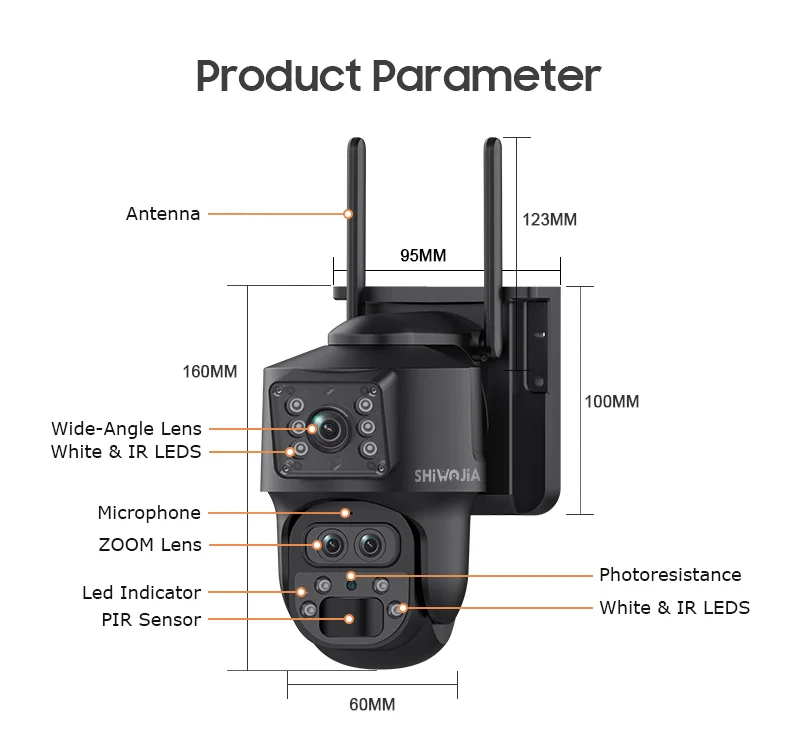
15X digital zoom - 4x Optical Zoom + 3x Digital Hybrid Zoom, allows for zooming clarity without pixelation, even distant objects including vehicle number plates. Users may control the Pan Tilt & Zoom (PTZ) as an auto patrol or directly from the App.
4G Solar Security Cam has a built in human sensing PIR and adjustable motion detection sensitivity levels. The UBOX App feature provides increased detection range up to 12M. PIR Human detection is better than most as it's not easily fooled by false alerts or car headlights etc. The built in PIR sensor is looking for sudden heat changes thus dismissing most non-human movement.
How much data will a 4G security camera use?
Remember no data is being used whilst the device is on or recording the SD memory card. If on the other hand the optional Cloud service is active, there may be a small fee for that service as video is auto uploaded to a remote server. Please note HCS does not charge any fee for this service but it’s available through the App with a free trial period.
If live viewing the camera or remotely downloading SD card video recordings, then yes, some SIM data is being used although in most cases, quite minimal. Your carrier will advise how much data is used over any given time, and you then decide whether to upgrade or stay within a set monthly data limit.
In most instances the device is in standby or sleep mode conserving battery power. In standby mode it's not recording and not using any data. If the supplied solar panel is connected to the camera, it will retain the battery level 100% virtually all year long. Don’t be overly concerned about battery or data usage. Initially most customers frequently access the camera because it's new and unique but with time, the novelty tends to wear off meaning far less remote access and substantially less SIM data.
What size memory card do I need?
Depends on how often the camera is recording. Motion detection is the most efficient setting however if set to constant recording it will use memory faster and more battery power. Constant recording ought to be used sparingly or when needed. If connected to power, constant recording isn't an issue. Scheduled recording is also supported so it becomes armed and disarmed at times that you select. The camera is inactive outside the schedule.
Assuming the camera is set to high resolution (recording quality is selectable to High Medium and Low) 1 minute of recording consumes about 20MB of memory. Therefore, each hour of recording is about 1.2GB of memory however, that doesn't mean 1.2GB of 4G data is used. Should you remotely download large volumes of video, then yes more data is needed. For that reason download or reply the smaller motion detection events. A 128GB SD card is more than adequate for most.
What happens when the SD memory card is full?
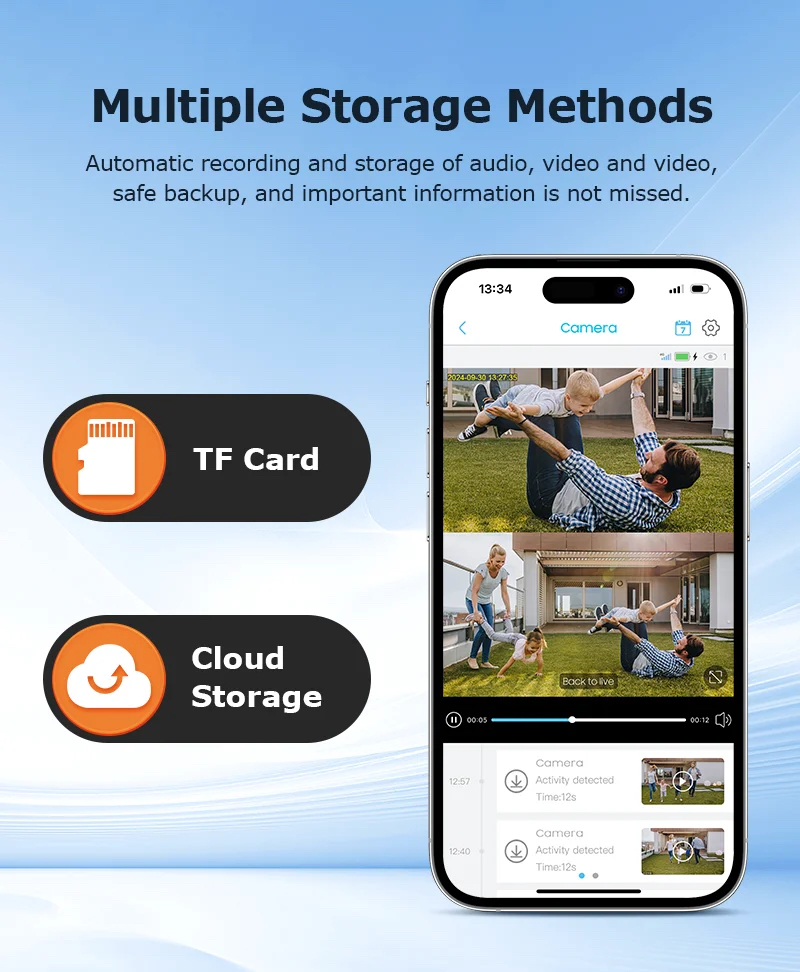
When the SD memory card becomes full it will recycle or auto overwrite from the earliest recording date. However, if you wish to stop recording when the CD card is full, it can do that too.
The SD card may also be removed from the camera and recordings replayed manually and saved to PC or MAC if desired. All recordings are time and date stamped for authenticity. Windows media player, QuickTime Player or VLC are all supported.
Solar Panel
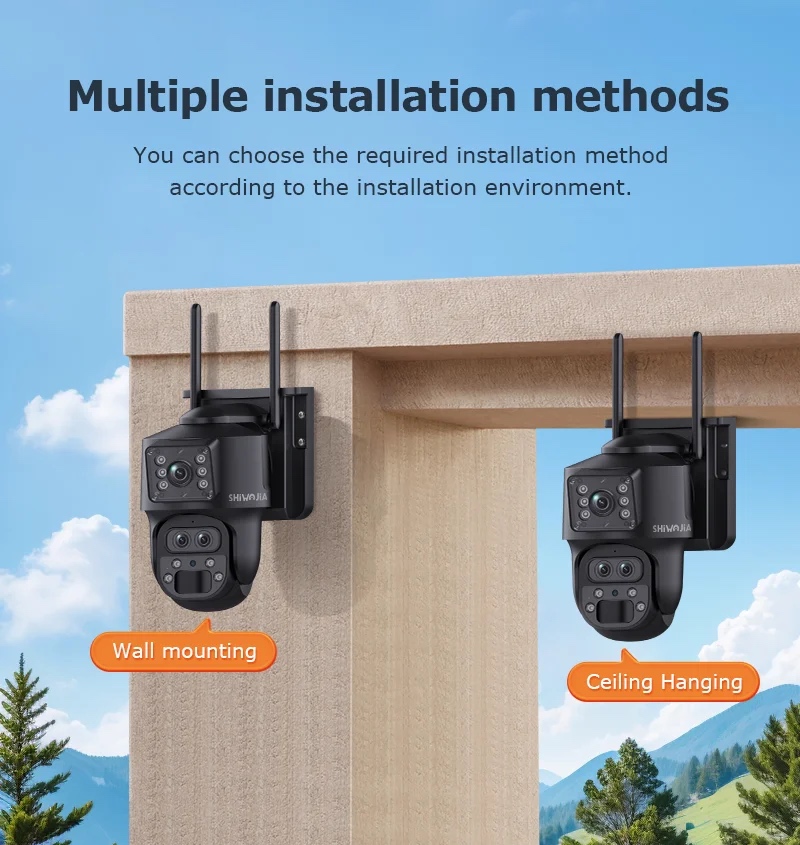
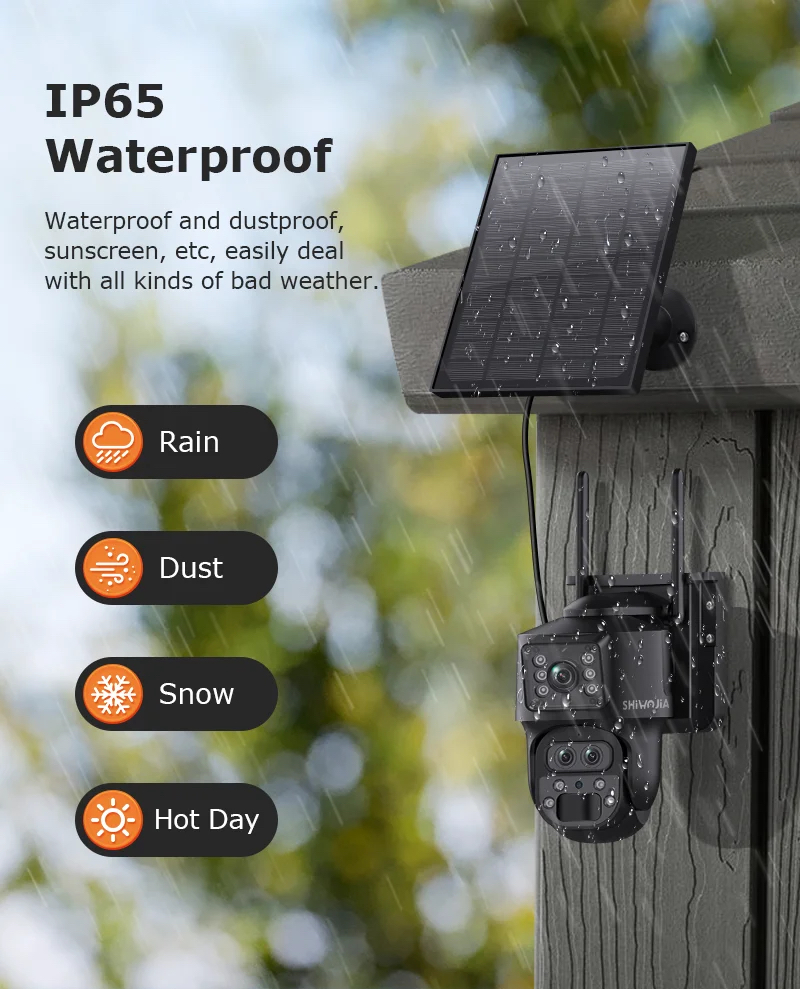
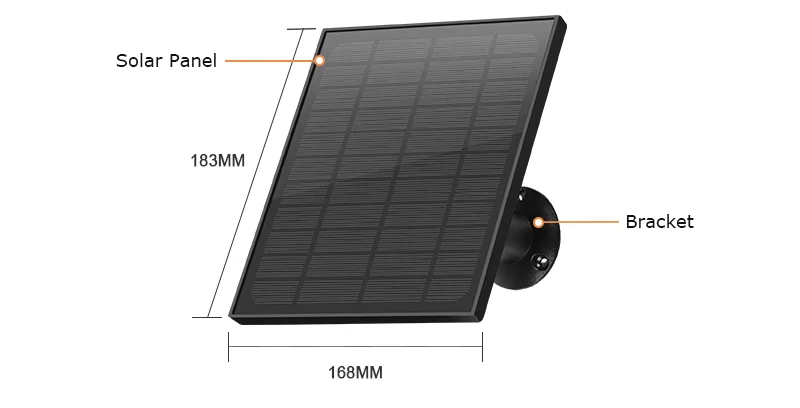
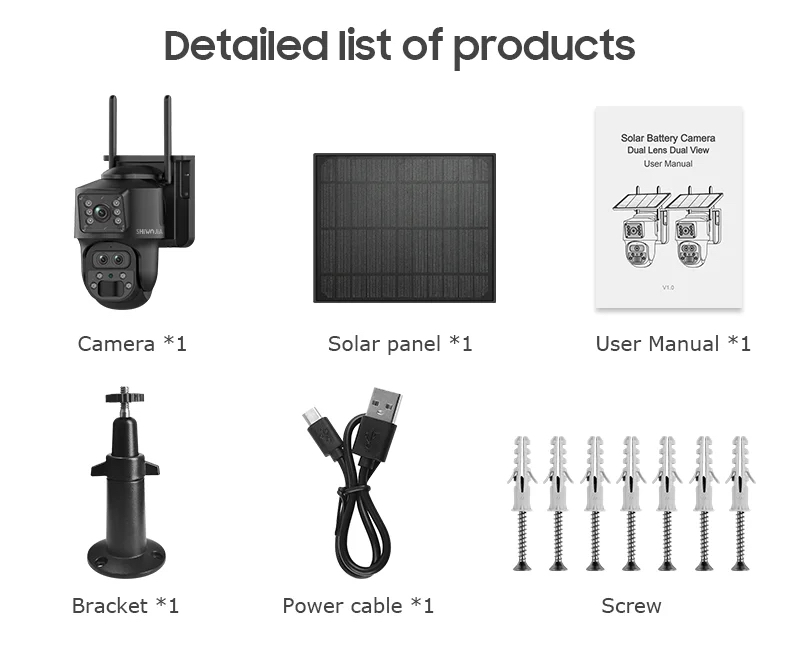
The light weight 5W solar panel is provided with a bracket and 3m of lead. In this regard the solar panel can be mounted on a rooftop and the camera wall mounted so the solar panel receives sunshine. The solar lead basically plugs into the base of the camera and is very simple. If you happen to have power handy, great no need to use the solar panel. It can be 5V USB powered, perhaps better suited to constant recording.
Features and Benefits
Solar Powered – can also be 5V powered if needed.
No Monthly Server Fees – Cloud Server remote storage is optional
Share the camera with friends and colleagues
Easy DIY Installation - No complicated setup or network configuration needed
Smartphone Viewing - Free iPhone/Android App or PC for live access anywhere
Password Protected - Your video is encrypted
Image Flip
Expandable
Two way audio
Record to your phone
Remote SD card recording playback
Video Time & Date stamp
Take still pics on demand
SD & HD Cloud Recording
Constant Recording also supported.
How easy is it to setup and program?
Download the Ubox phone App or connect the camera via the QR code. Create a new password and once online, alter camera features and functions to suit your needs. If you prefer to use remote cloud recording, select that option. It’s all very simple and straightforward so anyone can do it.
How do I access SD Card or Cloud Recordings?
In live camera mode, tap the playback tab to reveal a monthly calendar. Each day will indicate when motion was recorded. Tap the day to see a list of motion events. Save any important event to your phone memory. No need to delete.
Is there a 4G Solar Security advantage over standard CCTV Cameras?
If you have a need for one or more security cameras and you don’t have power or Internet, get a quote from a reliable local supplier and installer. Look at the camera and NVR recorder costs, the cabling cost and inconvenience plus labour costs not to mention ongoing service, support, backup and maintenance fees. Can a standard CCTV camera be remotely rotated and zoomed? Does a standard CCTV camera have motion LED and IR night illumination or motion alert audio? Can I move CCTV cameras from one location to another or is this yet another paid service. Starts to really add up does it not? However, with our 4G or optional WiFi Solar security camera system, there's no comparison.
What if I make a setup mistake?
All very straight forward. If you managed to access the camera online but encountered an unknown problem, remove or delete the camera from the App. Near the SIM card you will find a RESET button. Using a toothpick or pin, find the internal button. When it clicks, hold the button for 10 seconds. The camera will reset to factory mode which takes a few minutes. Now you’re ready to start again.
Lawful Use Only
This product is intended for lawful home security and personal monitoring only. The use of surveillance equipment is subject to federal, state, and local laws. It is the sole responsibility of the purchaser to consult with legal counsel and ensure that the installation and use of this device comply with all applicable privacy and surveillance regulations in their jurisdiction.
| By Order | No |
|---|